Codes
Codes in Universal Tower Defense Z give you free Gems, Trait Rerolls, Summer Currency, Ruler Tickets, and Etherealization Shards. Redeem them as soon as possible — codes expire periodically and new ones are added with each update.
Active Codes
SrryForWhoopsie!1x Ruler Ticket
ReaperVsHollowDestroyers50x Trait Rerolls
10K Gems
SpectacularSpider!50x Trait Rerolls
100K Universal Gems S1P1
TheGuyFromSmash!50x Trait Rerolls
100K Universal Gems S1P2
Summer2026!50x Trait Rerolls
10K Summer Currency
How to Redeem Codes
- 1Launch Universal Tower Defense Z on Roblox
- 2Complete the tutorial and reach the required level
- 3Find and click the Codes button in the game UI
- 4Type or paste the code exactly as shown and hit Redeem
- 5Check your inventory for the rewards!
Some codes require a minimum level to redeem. Codes are case-sensitive and expire periodically. If a code doesn't work, the game may have updated — keep playing!
Active Codes — Update 4.0
| Code | Reward | Status |
|---|---|---|
| SrryForWhoopsie! | 1 Ruler Ticket | Active |
| ReaperVsHollowDestroyers | 50 Trait Rerolls, 10k Gems | Active |
| SpectacularSpider! | 50 Trait Rerolls, 100k Universal Gems S1P1 | Active |
| TheGuyFromSmash! | 50 Trait Rerolls, 100k Universal Gems S1P2 | Active |
| Summer2026! | 50 Trait Rerolls, 10k Summer Currency | New |
Core Mechanics
To redeem codes in UTDZ: launch the game, find the Codes button in the UI, type the code exactly (case-sensitive), and press Redeem. Some codes require a minimum level.
Advantages
Free Gems let you summon more units, Trait Rerolls optimize your builds, Ruler Tickets give rare trait chances, and Etherealization Shards power up your best units.
Challenges & Weaknesses
Codes expire without warning — some last only 24-48 hours. Case sensitivity means typos void the code. Level requirements block new players from some rewards.
Frequently Asked Questions
How do I find new UTDZ codes?+
Why is my code not working?+
Can I use codes on mobile?+
Quick Tips
Redeem codes as soon as you find them — they can expire without notice.
Type codes exactly as shown — they are case-sensitive.
Check Discord and Twitter for surprise code drops from developers.
Some codes require a minimum level — focus on Story Mode progression first.
Bookmark this page and check back after every game update.
⭐ Featured Guides
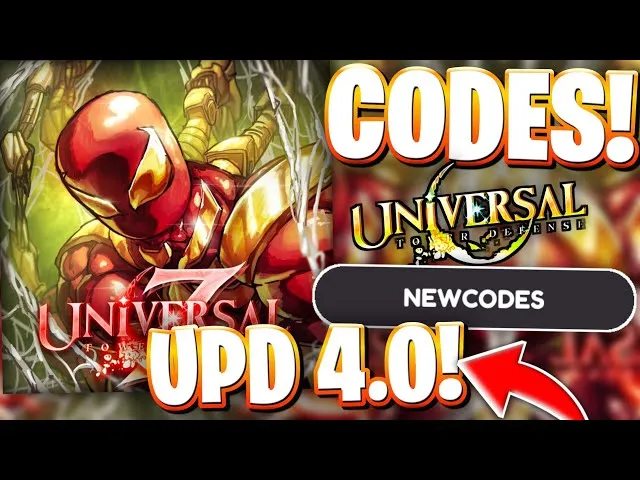
Universal Tower Defense Z Codes — All Active and Expired Codes List (July 2026)
Complete list of all Universal Tower Defense Z codes for July 2026. Working codes for free Gems, Trait Rerolls, Ruler Tickets, Summer Currency, and Etherealization Shards. Updated daily.
Read More →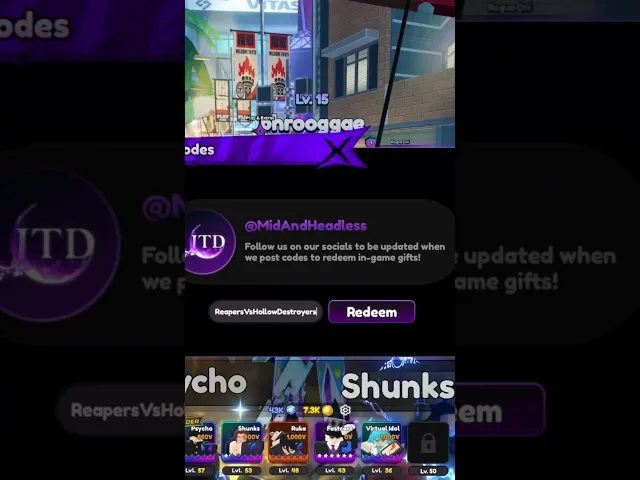
Universal Tower Defense Z Code Redemption Guide — How to Redeem and Troubleshoot
Step-by-step UTDZ code redemption guide. Where to find the code button, how to redeem codes, troubleshooting tips, and what to do when codes do not work.
Read More →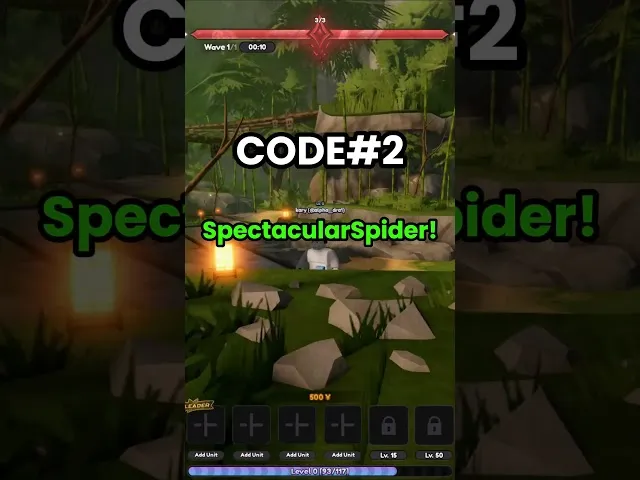
Universal Tower Defense Z Free Rewards Guide — All Free Gems, Rerolls, and Items
Complete guide to all free rewards in UTDZ. Codes, daily quests, achievement rewards, milestone bonuses, and every method to get free Gems, Trait Rerolls, and Etherealization Shards without spending Robux.
Read More →All Codes Articles
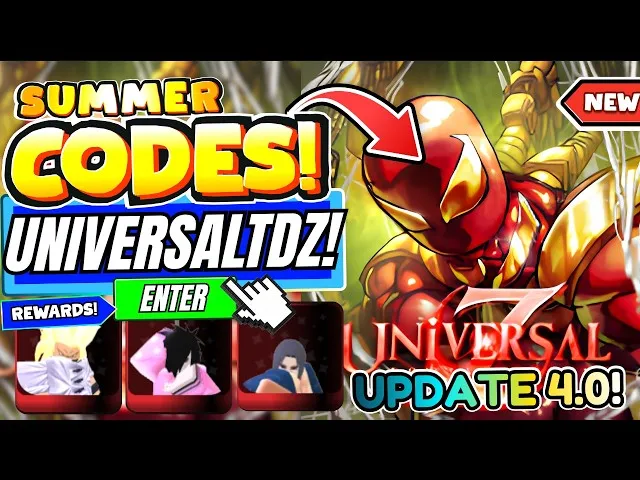
Universal Tower Defense Z Seasonal Codes — Summer, Halloween, and Holiday Codes
All seasonal UTDZ codes — Summer event, Halloween, Christmas, and anniversary codes. Past seasonal codes archive and when to expect new seasonal codes.
Read More →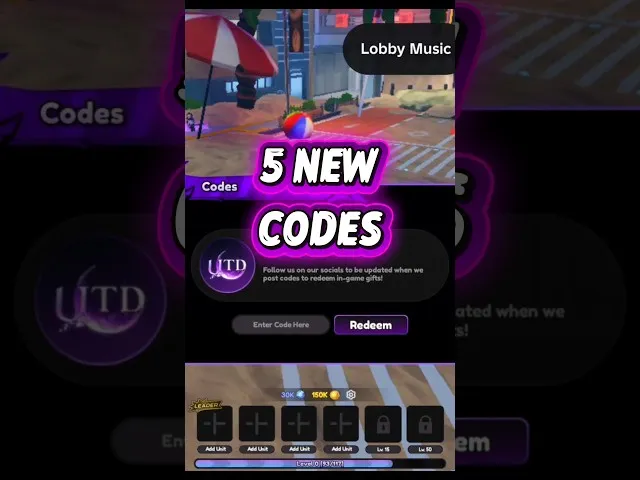
Universal Tower Defense Z Code Tracking — How to Never Miss a New Code
How to track and find new UTDZ codes the moment they are released. Discord notification setup, Twitter alerts, YouTube community posts, and community code tracking resources.
Read More →